.png)
Displaying Weather Information
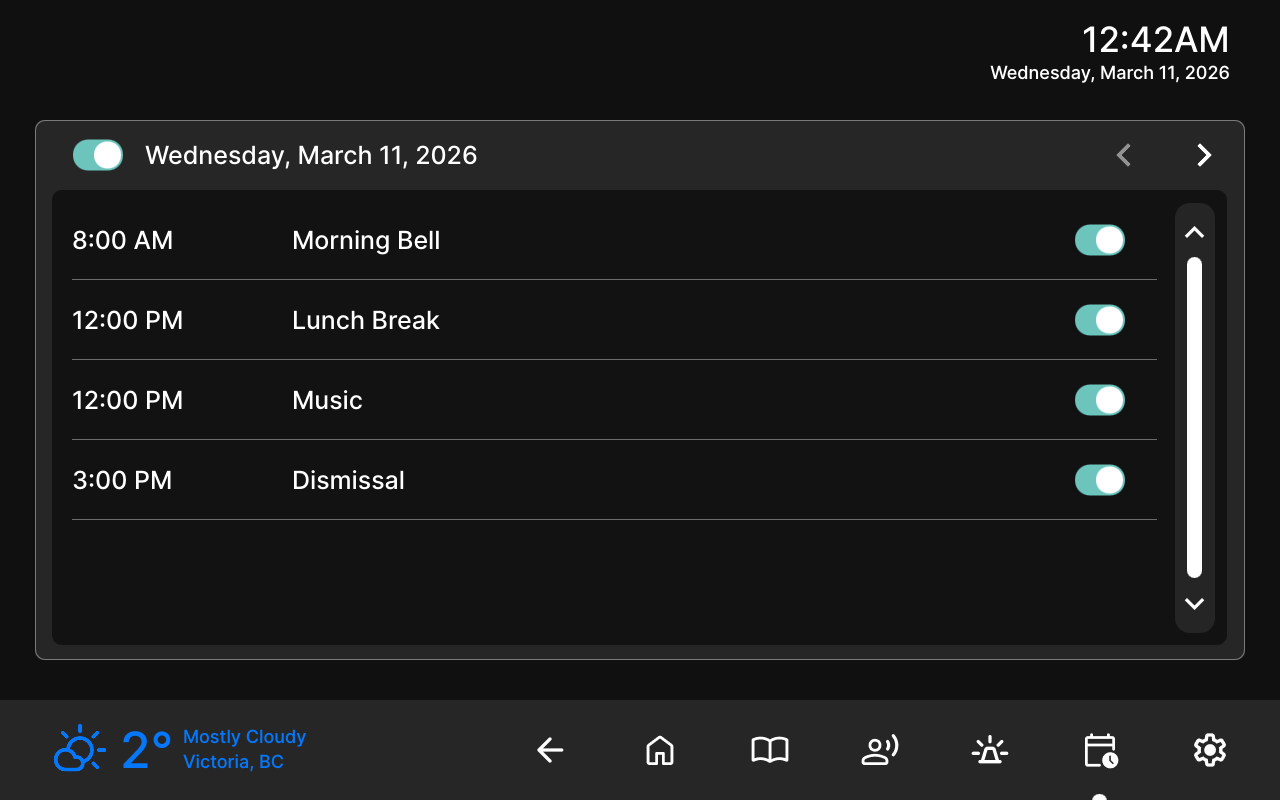
You can display the current weather information on the 8450 for locations in the United States or Canada.
To configure Weather Settings:
Go to Additional Features → Weather.
Configure Weather Settings:
Set Show Weather to Enabled.
Configure the following:
Weather Position: Set where the Weather Widget appears.
Color: Set the color of the Weather Widget.
Country: Select United States or Canada.
Specify the location:
United States: Specify the location’s Latitude and Longitude.
Enter the Latitude and Longitude (up to four decimal places, separated by a comma). For example: 38.8894,-77.0352.
You can obtain the coordinates from Google Maps by right-clicking the desired location. Round the coordinates to no more than four decimal places.
Canada: Select the desired Province and Region.
Select Save.
The resolved city name appears on the screen.